
Photo Manager Pro
Photo Manager for Digital Photography
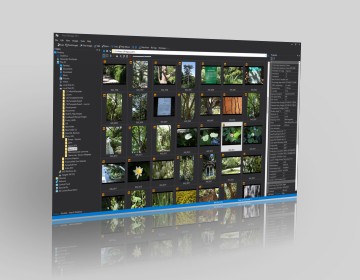
Preview, organize, edit, and print your digital photos with Photo Manager Pro. Find images on your computer and remove duplicates. Assign keywords, ratings, and captions to your photos, and then pick the required photo from the database in one second.
Features:
- Browse Folders and Preview Images
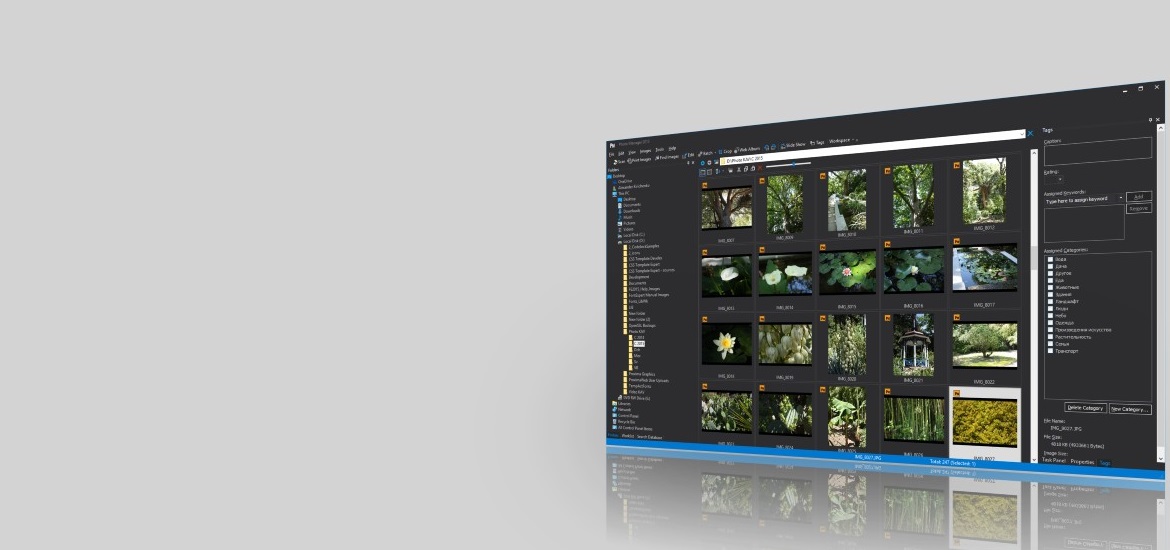
Photo Manager Pro displays classic list of thumbnails for images in a folder and lets you explore folders and preview photos located on your compact disks or DVDs, local disks, removable disks or network drives. Preview photos in full screen mode or run a slide show. - Print Photos
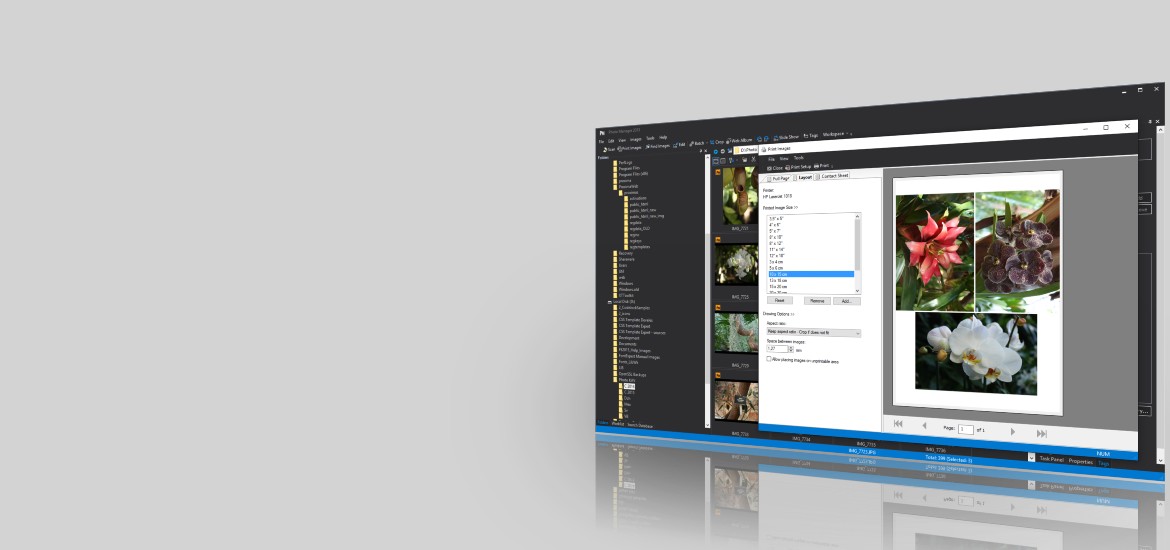
Print your photos one image per page, or multiple images per page with optimal layout, or as a contact sheet. Customize and format page headers and footers as desired. - Scan or Import
Import images from scanner or digital camera. - Edit Images
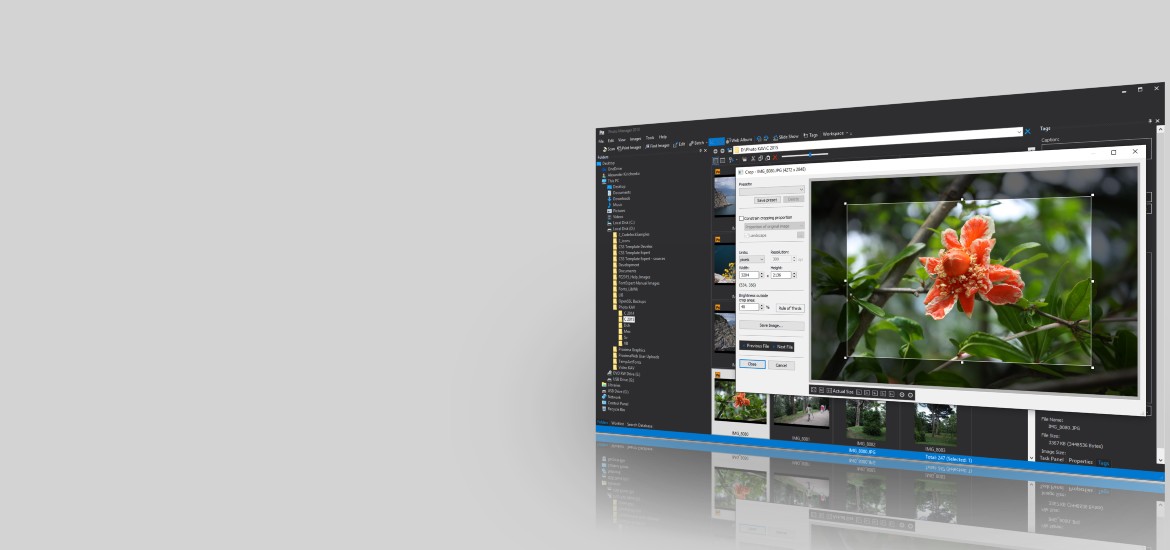
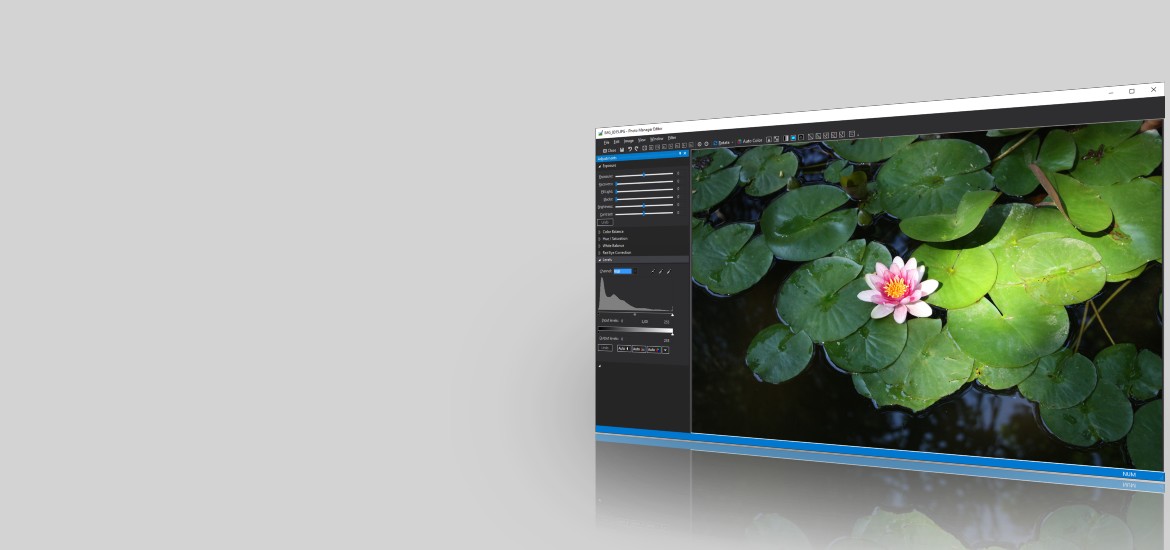
Adjust levels, exposure, recovery, fill light, blacks, white balance, brightness or contrast, hue and saturation, correct color balance, remove noise, and use editor filters, such as sharpness, edge detection, and even view the Fourier Transform of selected photo. Use Auto Color, Auto Levels, and Auto Contrast adjustments. Save edited photo to a new file in common image formats. Red eye correction. - Keywords, Ratings, and Categories
Assign keywords, categories, ratings, and captions to photos in Tags view. - Web Album
You can select desired images and save them as HTML album for sharing in the Internet. - Search in Database
Search for images in the database by keywords, ratings and categories in DB Search view. Pick required images in a second and manage the results: preview, edit, print or copy photos. - Search for Images on Local Discs and Network Drives
Search your local disks, CDs or DVDs, network drives for images, and put all images to a special list for your further work. - Search for Duplicates
Photo Manager Pro allows you to search for and manage duplicate images. - Manage Photos
It is easy to manage any images that are shown in any view of the program. You can sort, copy, move, delete image files or entire folders with images. - EXIF Properties
Photo Manager Pro displays detailed information about the selected photo, including EXIF properties and camera manufacturer notes (Maker Notes). - RAW format Support
Photo Manager Pro previews images created in RAW format and can develop and save full size images. See the list of supported RAW formats and cameras. - Plug-ins
Photo Manager Pro supports plug-ins. Currently we provide the plug-ins: Canon RAW format Support for PowerShot and EOS cameras; and the Get Photos plug-in for Canon cameras. The RAW formats of Nicon cameras and other manufacturers are also supported.
Current Version:
Photo Manager Pro

Version 4.0 Release 8
Full Functional 30-day Trial Version:
 On-line Help (permanent link)
System Requirements:
Operating systems (64-bit):
Windows 11, Windows 10, 8.1, 8, 7, Vista.
Windows XP is supported by previous versions of FontExpert.
Latest News:
-
June 6, 2023
Photo Manager Pro Version 4.0 Release 8
Proxima Software has issued new release of Photo Manager Pro version 4.0 Release 8 (64-bit).